
Fix My Printer
Every Toner World post filed under Fix My Printer. Back to all posts
 Fix My Printer
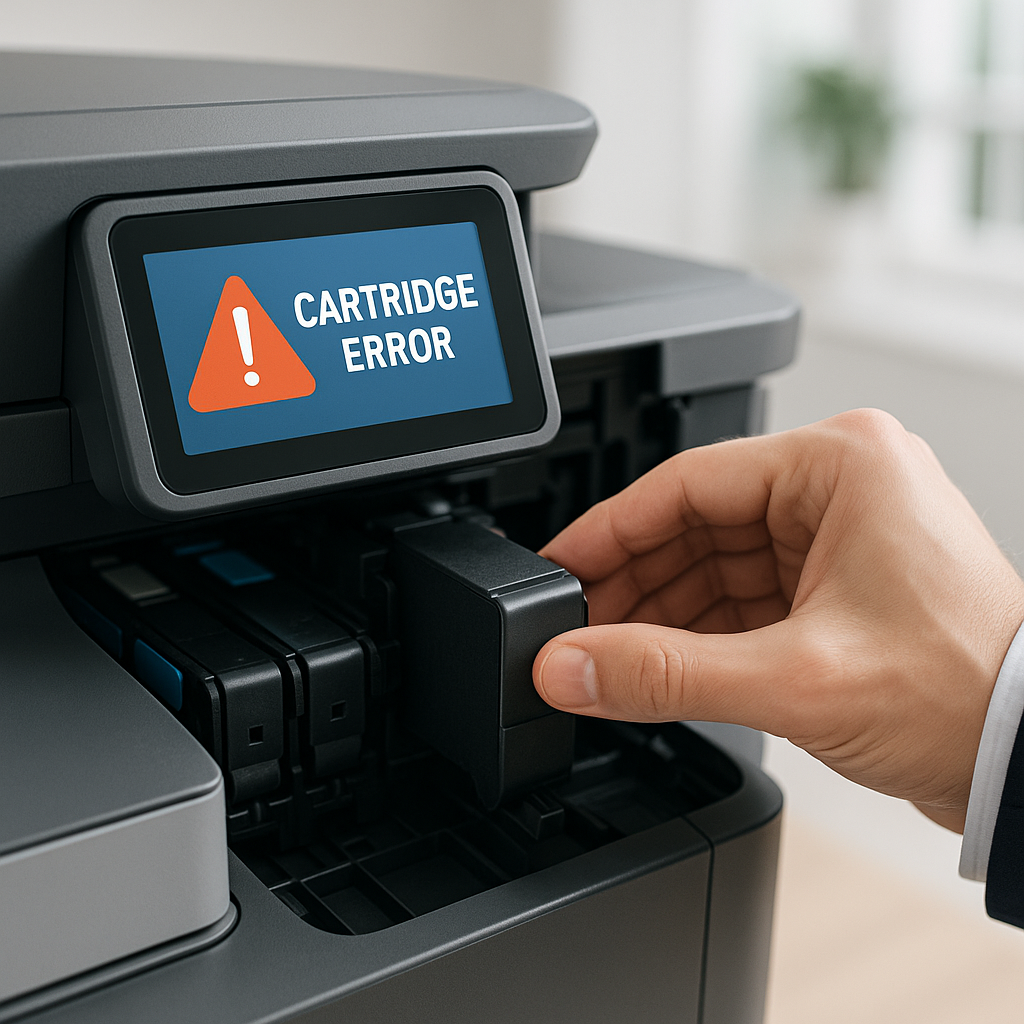
Why Does My Printer Say "Cartridge Not Recognized," And How Can I Solve It?
Encountering a "cartridge not recognized" error can halt your office productivity instantly, but understanding the root causes and implementing proven troubleshooting methods can get your printing operations back on track quickly.
Fix My Printer
Why Does My Printer Say "Cartridge Not Recognized," And How Can I Solve It?
Encountering a "cartridge not recognized" error can halt your office productivity instantly, but understanding the root causes and implementing proven troubleshooting methods can get your printing operations back on track quickly.
 Fix My Printer
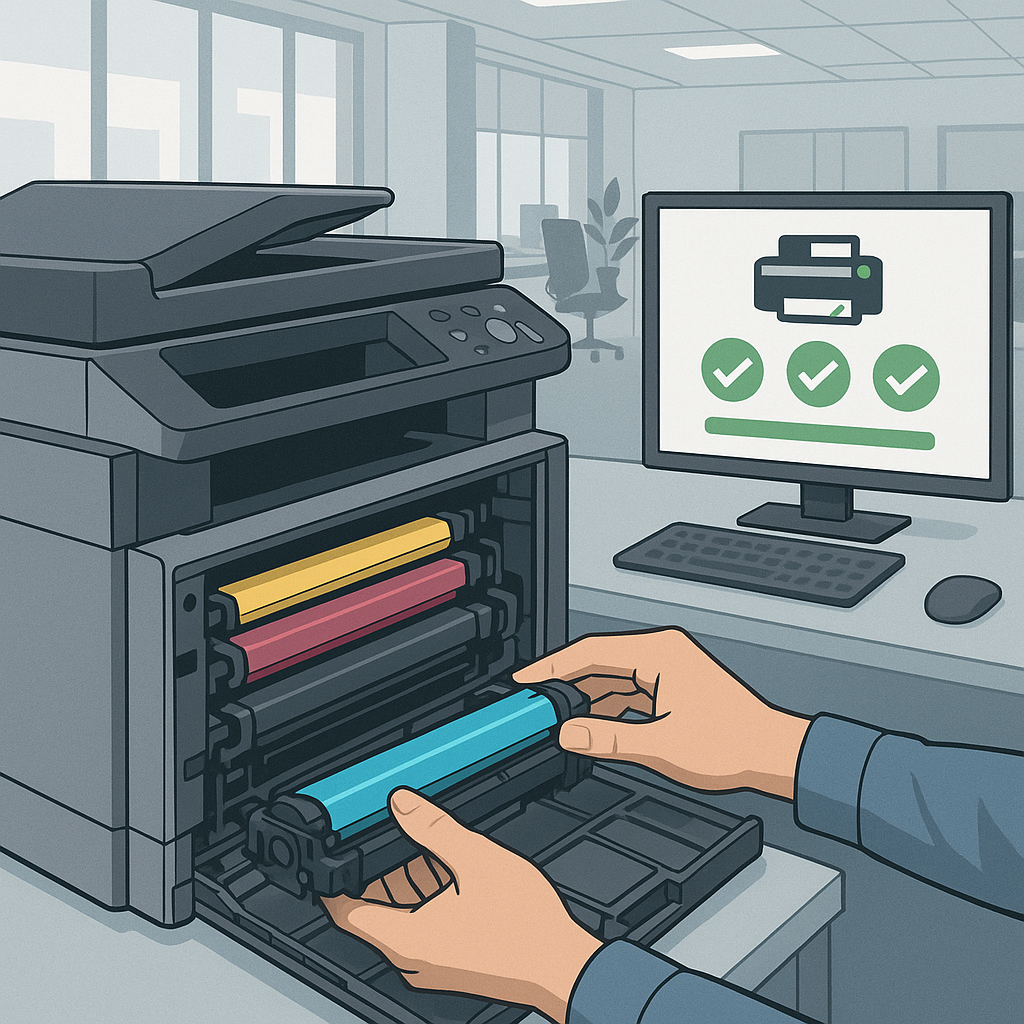
How Can I Fix Printer Errors After Replacing A Toner Cartridge?
Discover expert troubleshooting solutions to resolve common printer errors that occur after toner cartridge replacement and get your office equipment back to peak performance quickly.
Fix My Printer
How Can I Fix Printer Errors After Replacing A Toner Cartridge?
Discover expert troubleshooting solutions to resolve common printer errors that occur after toner cartridge replacement and get your office equipment back to peak performance quickly.
 Fix My Printer
What Should I Do If My Printer Is Leaving Streaks or Faded Marks on Pages?
Printer leaving streaks or faded marks? Learn troubleshooting steps and why high-quality compatible toner from Tonerworld improves print quality.
Fix My Printer
What Should I Do If My Printer Is Leaving Streaks or Faded Marks on Pages?
Printer leaving streaks or faded marks? Learn troubleshooting steps and why high-quality compatible toner from Tonerworld improves print quality.
 Fix My Printer
Why Does My Printer Show “Low Toner” Even After Installing a New Cartridge?
Why does your printer show “low toner” after installing a new cartridge? Learn the causes, fixes, and how Tonerworld ensures reliable compatible toner.
Fix My Printer
Why Does My Printer Show “Low Toner” Even After Installing a New Cartridge?
Why does your printer show “low toner” after installing a new cartridge? Learn the causes, fixes, and how Tonerworld ensures reliable compatible toner.
 Fix My Printer
What Happens If I Use the Wrong Toner in My Printer?
Running out of toner always seems to happen at the worst possible time.
Fix My Printer
What Happens If I Use the Wrong Toner in My Printer?
Running out of toner always seems to happen at the worst possible time.
 Fix My Printer
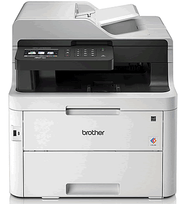
How to reset the toner on a Brother MFC-L3750CDW
Brother printers, both inkjet and laser have a common issue with not detecting new cartridges when installed. Today we are looking at resetting a toner cartridge in a Brother MFC-L3750CDW laser printer. Always have your printer turned ON when replacing a cartridge and it's best to only replace them when you are prompted to do so.
This usually reduces the chance of the cartridge needing to be manually reset although it's not guaranteed and in case of this the manual reset procedure is very easy to follow. The only other issues that can cause a Brother toner to not reset even manually is if the chip is outdated or damaged or the toner hasn't been physically reset when manufactured.
So let's take a look at the procedure involved in resetting these toner cartridges. The actual cartridges for this model are the TN-253BK and the 3 colors TN-257C, TN-257M and TN-257Y obviously make sure that the toners are the correct ones before attempting the reset.
Brother MFC-L3750CDW reset procedure
1. Open the front cover of the printer as if you are changing the cartridges.
2. With the cover open, simultaneously press the Back and Cancel (X) buttons. Then, press only the Back button. It may take several tries for this to work and for the reset menu to appear onscreen.
3. Scroll through the menu to select the cartridge color you wish to reset and when prompted press yes to reset.
4.The LCD will read "Accepted" once the reset is complete.
Fix My Printer
How to reset the toner on a Brother MFC-L3750CDW
Brother printers, both inkjet and laser have a common issue with not detecting new cartridges when installed. Today we are looking at resetting a toner cartridge in a Brother MFC-L3750CDW laser printer. Always have your printer turned ON when replacing a cartridge and it's best to only replace them when you are prompted to do so.
This usually reduces the chance of the cartridge needing to be manually reset although it's not guaranteed and in case of this the manual reset procedure is very easy to follow. The only other issues that can cause a Brother toner to not reset even manually is if the chip is outdated or damaged or the toner hasn't been physically reset when manufactured.
So let's take a look at the procedure involved in resetting these toner cartridges. The actual cartridges for this model are the TN-253BK and the 3 colors TN-257C, TN-257M and TN-257Y obviously make sure that the toners are the correct ones before attempting the reset.
Brother MFC-L3750CDW reset procedure
1. Open the front cover of the printer as if you are changing the cartridges.
2. With the cover open, simultaneously press the Back and Cancel (X) buttons. Then, press only the Back button. It may take several tries for this to work and for the reset menu to appear onscreen.
3. Scroll through the menu to select the cartridge color you wish to reset and when prompted press yes to reset.
4.The LCD will read "Accepted" once the reset is complete.
Know your printer model? You’re one step from the right cartridge.
Every guide on this blog ends here on purpose. Search your model on Tonerworld.com and see OEM and Hyperion compatible options side by side.
Browse ink and tonerFind cartridges for my printer
Open the cartridge finder Not sure of the model? It is printed on the front or top of the printer, usually near the brand name.One useful printer tip a month.
No promotions, just the answer to whatever is jamming, streaking, or overcharging you this month. Unsubscribe any time.